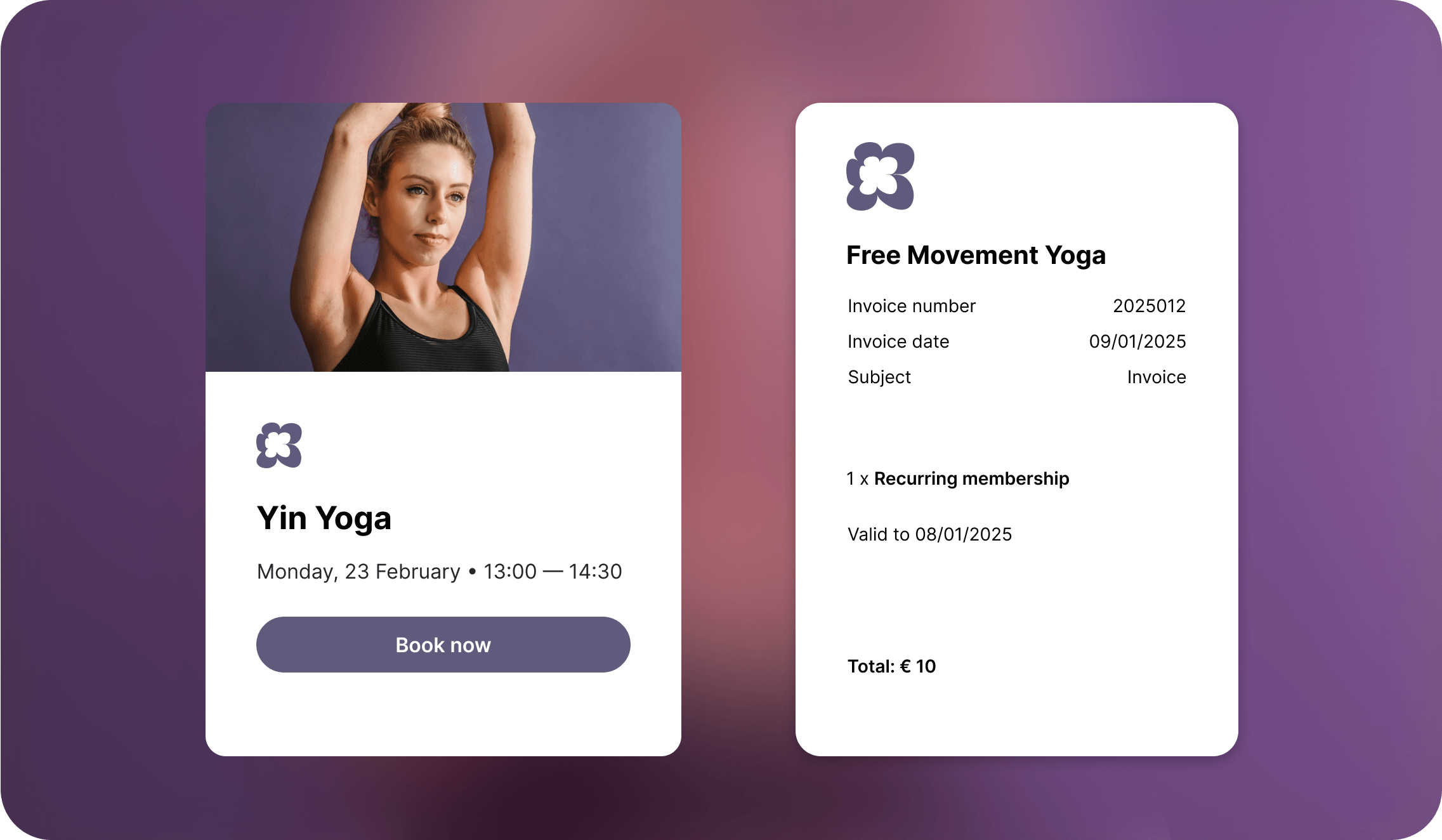
A branded space that’s truly yours
More than just a booking system, your space represents an energy, a story, a vision. In this release, we’re turning up the heat on your studio’s branding game. Say hello to Custom Branding.

NEW
Upload your brand’s logo
Your logo, the icon that captures attention, sparks recognition, and leaves a lasting impression. Turning first-time yogis into loyal, long-lasting customers. Now visible for your yogis.


A trust-worthy brand
Turn every step into a chance to reinforce your identity and build trust effortlessly. Stand out from the crowd by seamlessly showcasing your logo throughout your booking flow.
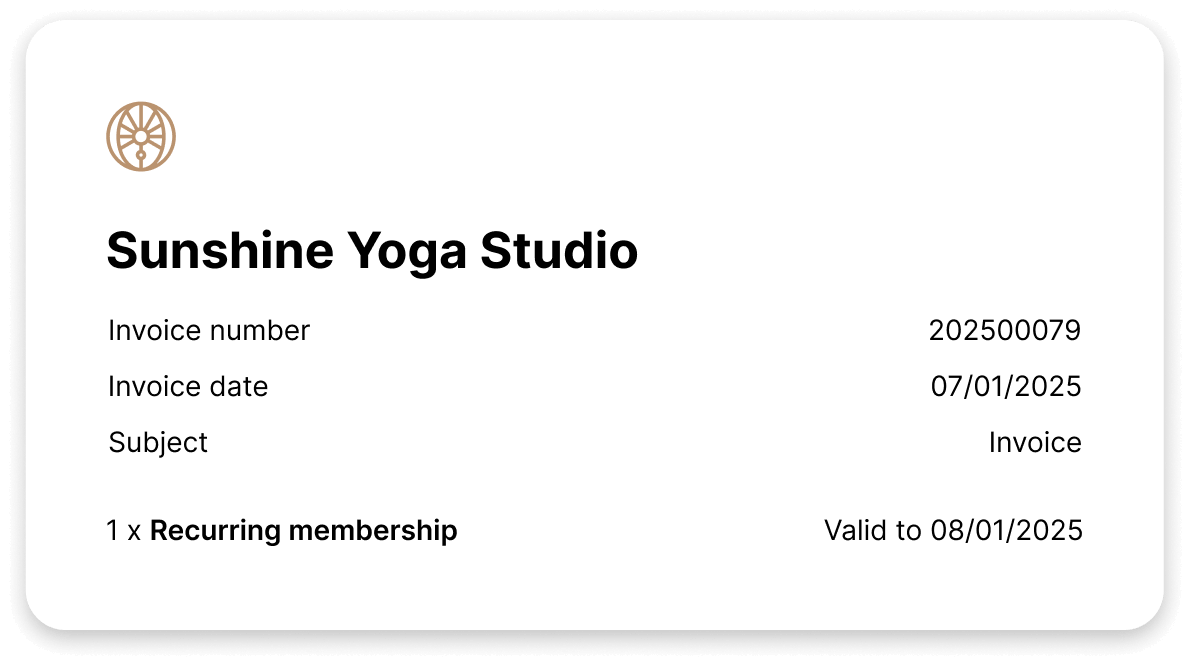
Invoices got an upgrade
Yogis will recognise your business instantly. Add your logo to your invoices for a polished, professional look. Turn routine payments into opportunities for brand reinforcement.
NEW
Add a splash of colour
Set the tone for your student’s booking experience, whether calm, energetic or inspiring. Bring your page to life, becoming instantly recognisable. Remaining unforgettable.


From the bigger picture ...
Enjoy a consistently professional look that sets your classes apart from competitors. Customised headers and backgrounds create a synchronised and visually soothing experience.
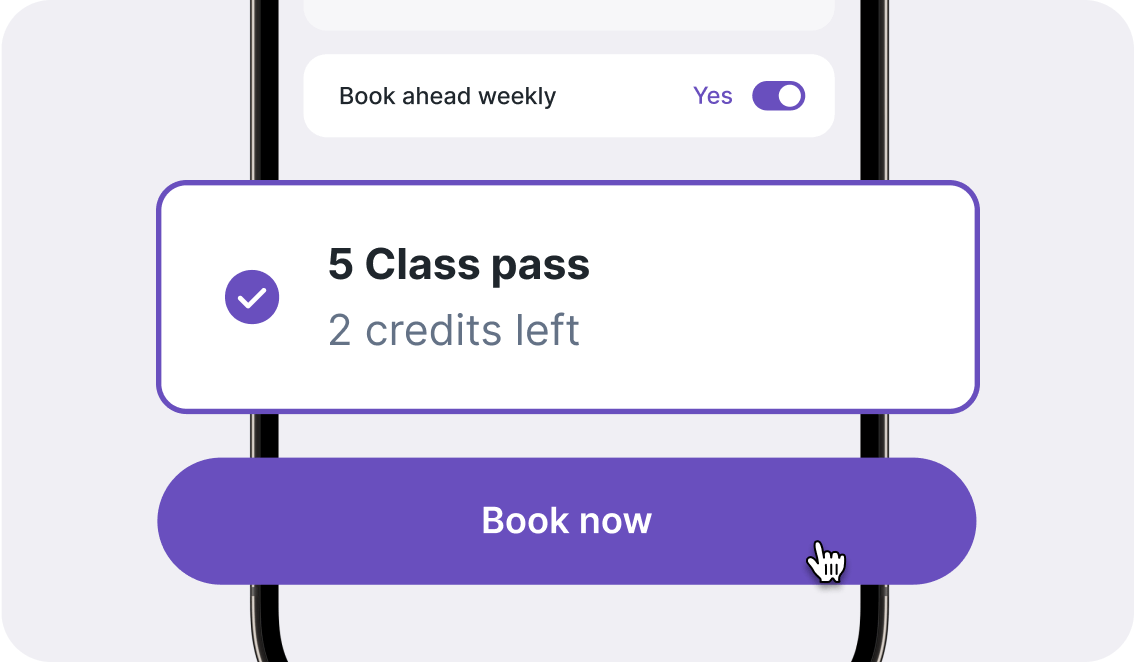
... to the finer details
Matching your buttons and links to your brand’s visual identity will not only attract new yogis but also encourage loyal yogis to book with confidence.
NEWLY IMPROVED
Choose your appearance
Design a space that’s truly yours by combining custom branding with your chosen appearance. Whether the unified One-Page view or the focused Schedule view, both are guaranteed for your success.


One-Page view
Showcase your studio’s core values and identity with this centralised booking experience. Create a personalised, branded space that truly reflects your vision.
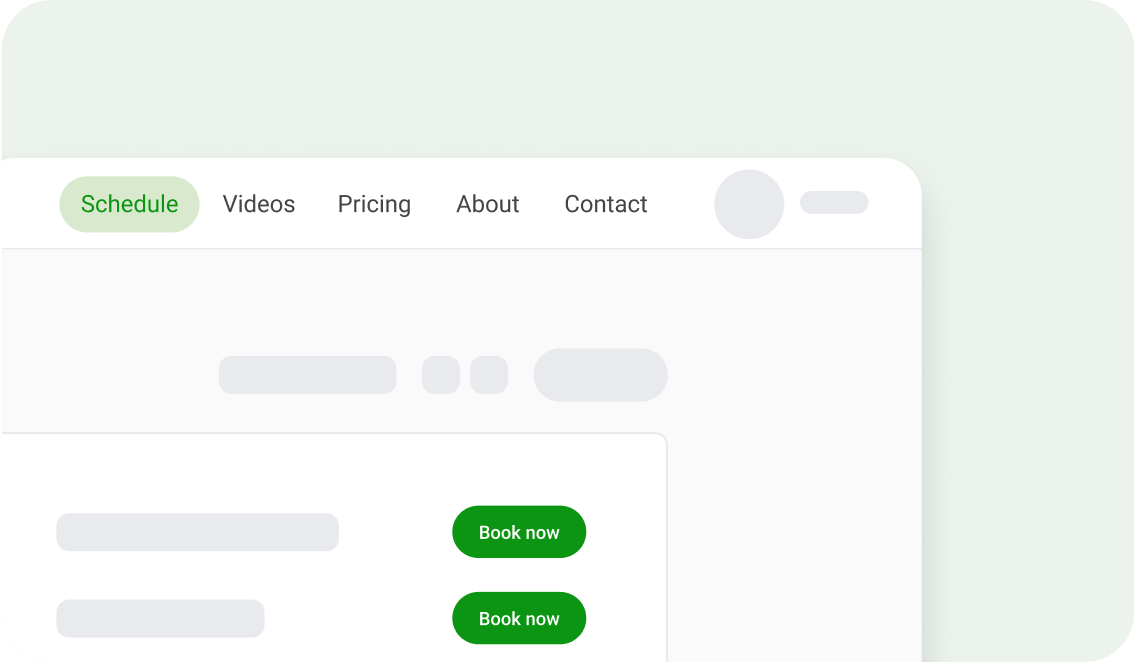
Schedule view
Share your vast range of skills with the Schedule view. With your logo and colours visually present, you’ll remain consistent every step of the way, with every page reflecting your mission.
FAQ
Go to Settings > Branding > Select your colour > Use the preview to see how it looks > Save
Go to Settings > Branding > Upload your logo (we recommend using a JPG or PNG file, sized 640×160 px) > Save
Your logo appears in the top corner of all pages, on invoices and after clicking on Book now from your website integration. Your selected colour is applied to the background, buttons, links, and other visual elements.
This feature is available to all Momoyoga plans for free until October 31st 2025, after which it’ll be exclusive to our Plus plan members. Upgrade by then to keep enjoying this add-on.
Go to Settings > Appearance > Select either the One-Page view or Schedule view > Save.
For a limited time only
This feature is available to all Momoyoga plans for free until October 31st 2025, after which it’ll be exclusive to our Plus plan members. Upgrade by then to keep enjoying this add-on.