Your website schedule, reimagined

A better way to integrate your website schedule
Your all-new website integration makes it simple to browse - whether your yogis are planning week by week or scanning for their favourite teacher - creating a smoother, more intuitive experience.
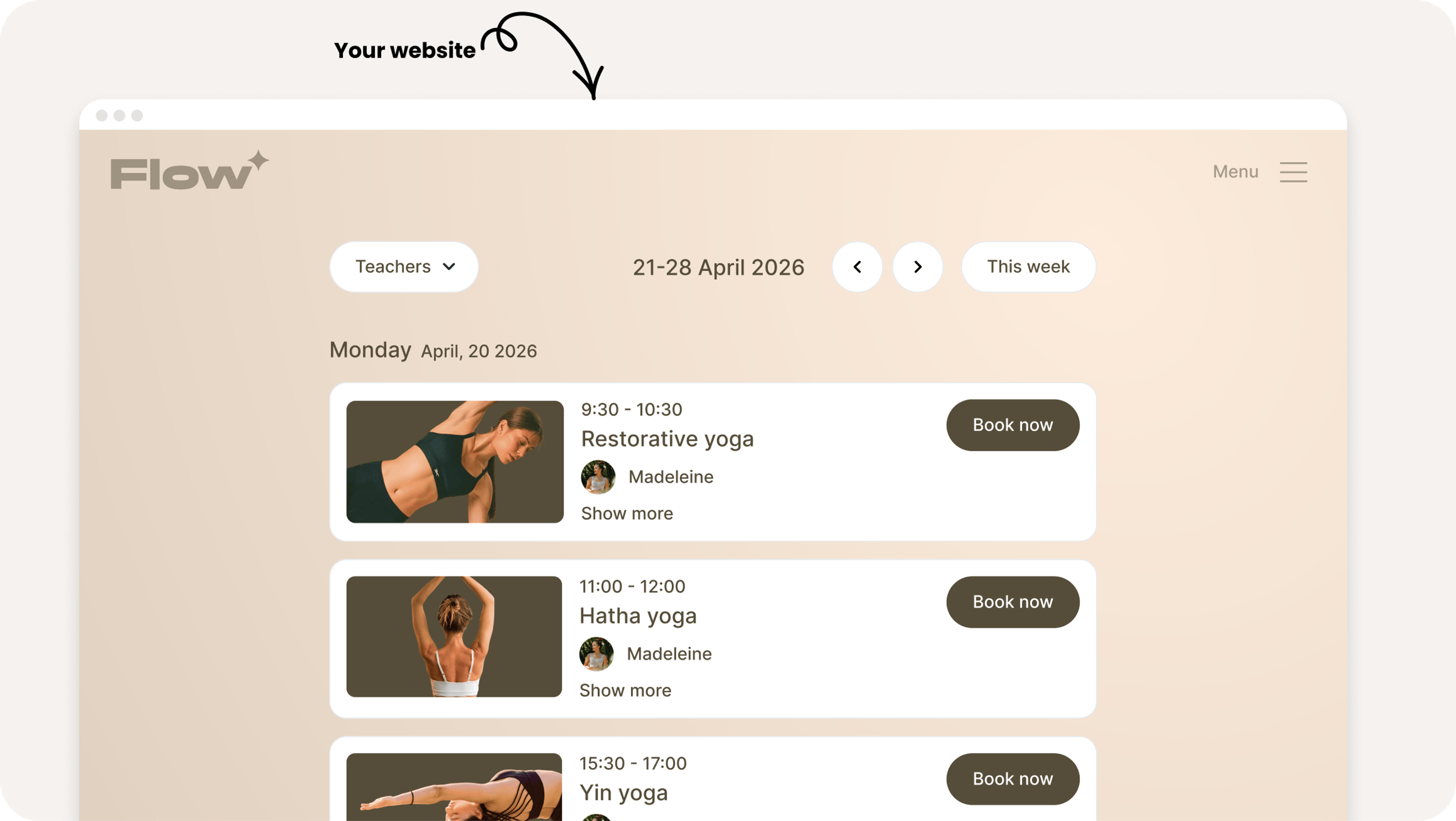

Set your schedule to weekly or list view
Weekly or list view: the choice is yours.
Show one week at a time or offer a clear overview of upcoming classes, making it easier for yogis to browse and book what works for them.

Filter your schedule by teacher
Yogis can filter your schedule by teacher, quickly spotting their favourite picks. Every booking becomes effortless, helping them connect with the teachers they love and find classes with ease.
Make your schedule feel like you
Your website schedule can now fully reflect your studio’s look and feel, making it polished, inviting, and unmistakably yours. With new visual options, you have the freedom to showcase your brand and bring your classes, teachers, and events to life.

Online and in-person payments
From credit card and PayPal to monthly direct debits, offer flexible payment options, online or in-person. Ensuring a smooth checkout experience every time.

Pricing options for every occasion
From class passes and recurring memberships to event ticket types - there's a pricing option to suit every occasion, and every yogi that books at your studio.
Update your schedule now
Managing your website schedule is now smoother than ever. Everything can be done directly from your Momoyoga account, giving you full control - no searching, no extra tools, just a quick, seamless setup.
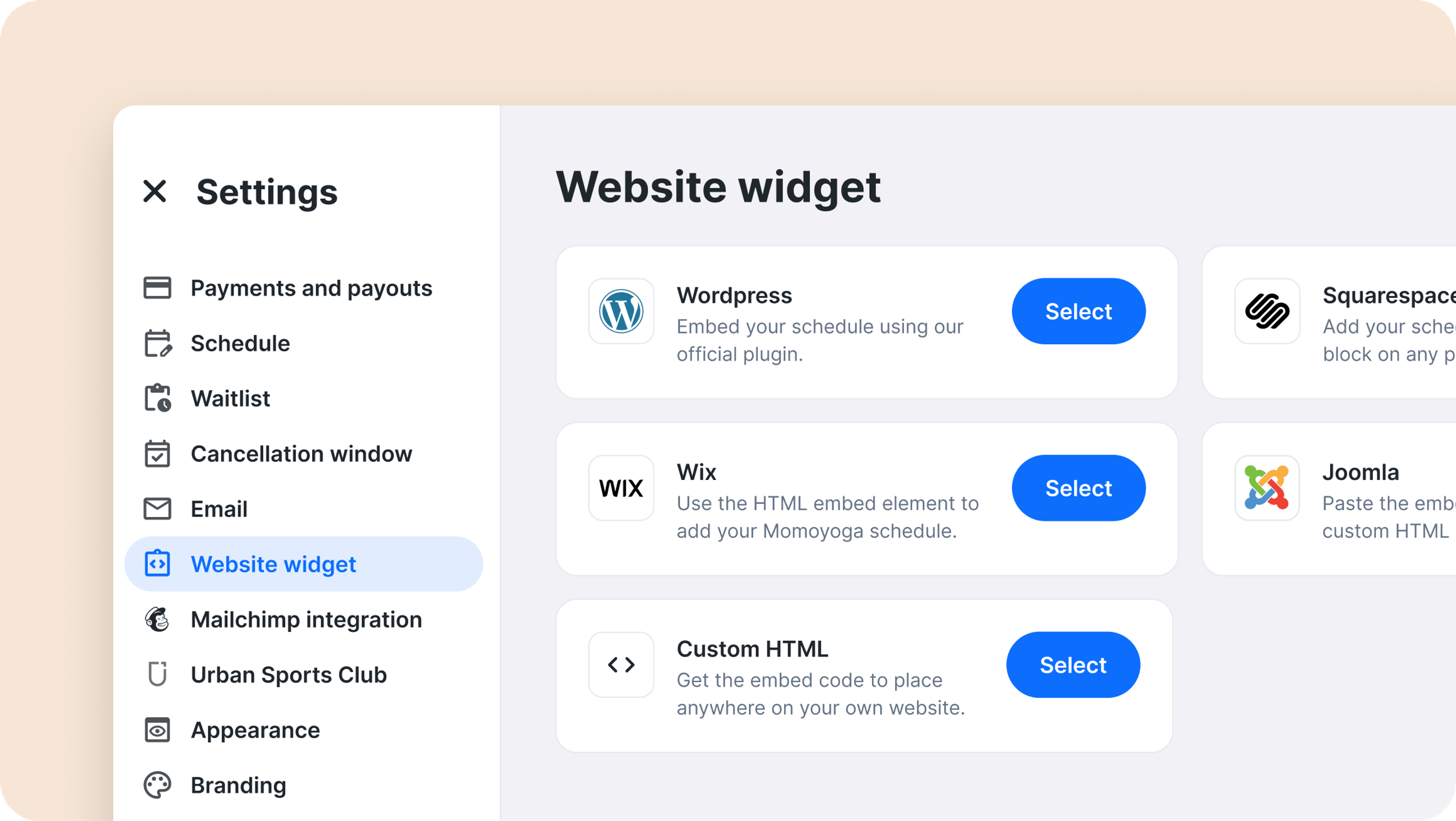

Easily adjust your schedule
See your changes in real time as you customise your schedule. Toggle different settings and watch it all come together before anything goes live — so you know exactly how it will appear on your website.

And integrate in one-click
When you’re ready, generate a copy-paste embed code that’s ready to drop into your website. Fast, simple, and requires no technical knowledge, making it easy to keep your schedule up to date at all times.
Frequently asked questions
What are Momoyoga’s schedule integration options?
Momoyoga provides a website widget that allows you to integrate your class schedule directly onto your own site. It supports several popular platforms, including: WordPress, Squarespace, Wix, Joomla, and JavaScript (for custom sites).
How can I add the schedule integration to my website?
Log in to your Momoyoga account. Navigate to Settings in the left-hand menu. Click on the Website widget tab. Select your specific website provider (e.g., Wix, WordPress) from the list. Once you have configured your preferences, click View Setup Instructions. Go to your website’s admin panel and follow the specific instructions provided by Momoyoga to paste the code or link.
Available now for all studios
